Complete Maintenance PDF
Detailed per-machine or group maintenance history with selectable findings and an exact PDF preview used for printing and sharing.
Run 2 Clean reports turn maintenance and monitoring data into a readable record of machine identity, Windows version, findings, repairs, events, hardware status and maintenance outcomes.
Select the most recent maintenance session or include every completed maintenance run between selected dates. Machine identity and network context remain tied to the report so the result is understandable later.
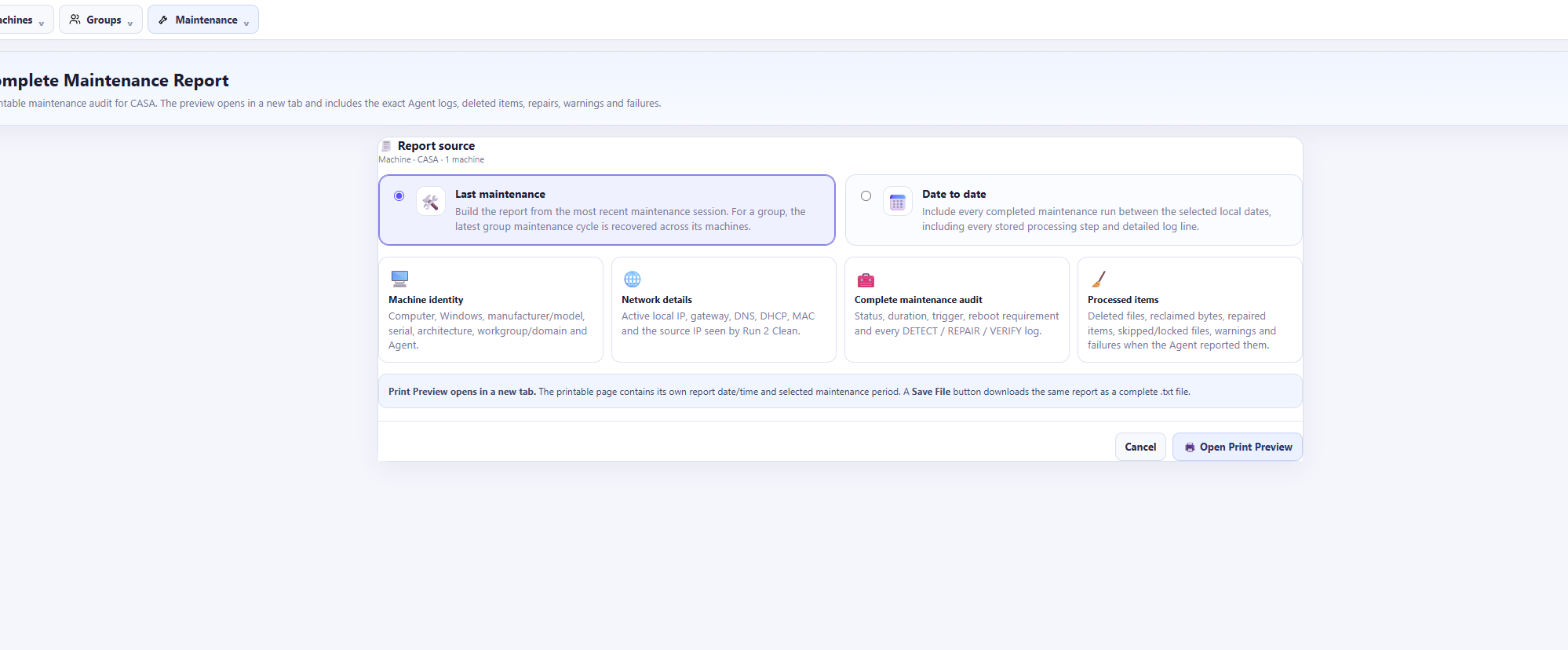
Complete Maintenance Reports can include the categories relevant to the maintenance window or troubleshooting session.
Include warning/partial results, failed maintenance findings and Windows error records from the selected period.
Include Critical Windows Event Viewer records associated with the selected machine and time range.
Show maintenance services that can repair Windows and the exact repair/change steps returned by the Agent.
Include read-only audit tasks with their detect/verify information so reviewed state is preserved.
Include recorded failed or removed RAM, CPU, GPU, disks and fans when that information is available.
See task timing, status and whether a maintenance operation reported that a reboot is required.
Where a task reports processed, deleted or reclaimed items, those details can be carried into the maintenance record.
The Windows operating system associated with each endpoint is kept visible in machine and report context.
Different questions need different views. Run 2 Clean includes focused reporting for detailed maintenance, Windows events and group-level fleet health.
Detailed per-machine or group maintenance history with selectable findings and an exact PDF preview used for printing and sharing.
Generate Windows Event Viewer reports with machine context, Windows information and the filtered event records relevant to troubleshooting.
Review managed endpoint count, online status, health classification and software inventory summary for the selected group.
Export group/fleet information to CSV and send supported health summaries by email when configured.
Run 2 Clean uses the actual generated PDF as the preview so the document you inspect is the same format used for printing, download and supported email workflows.
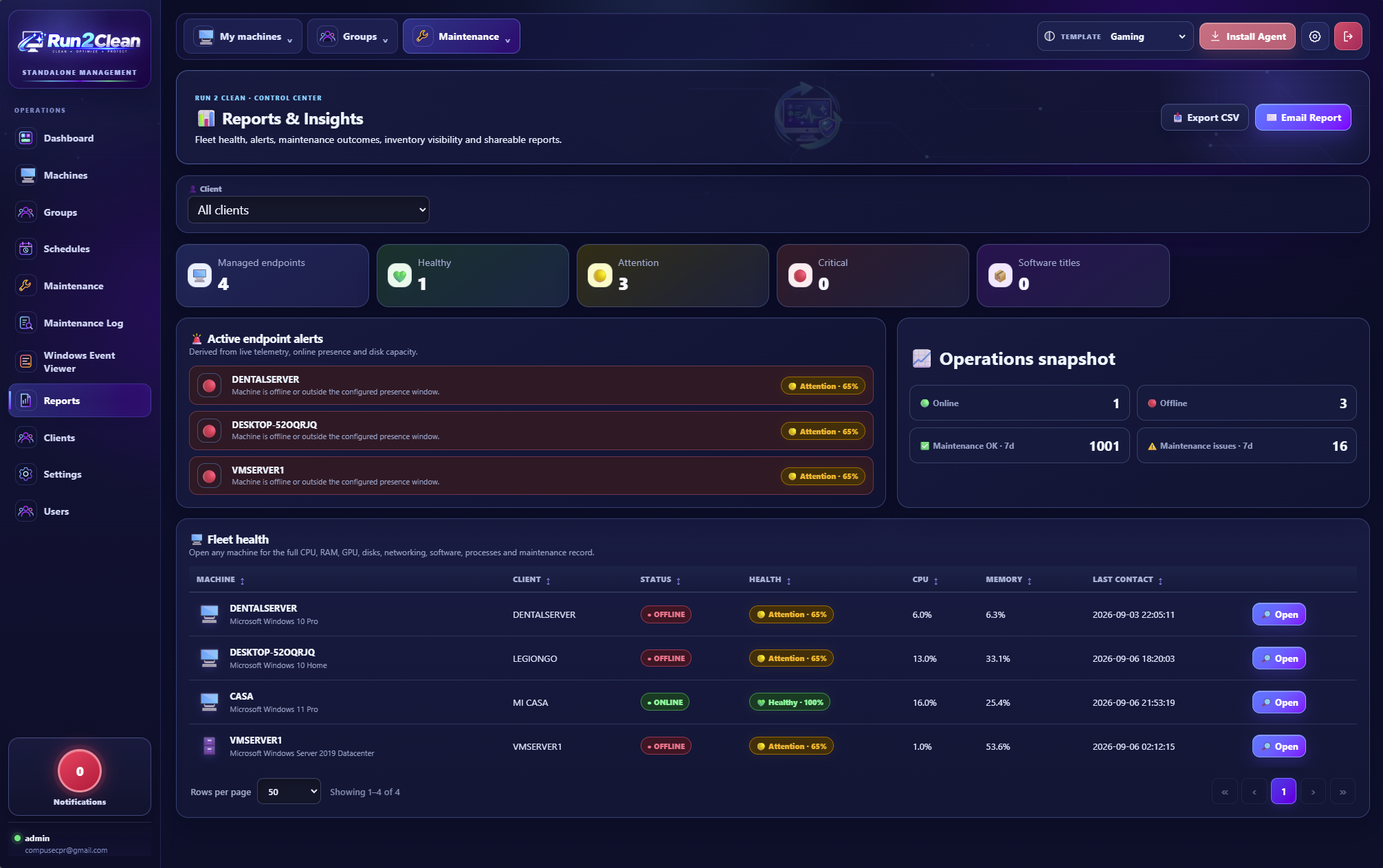
Open Run 2 Clean and manage monitoring, maintenance, schedules, optimization and reporting from one place.