Copy the enrollment code
Prepare the installation from the Run 2 Clean portal and copy the one-time enrollment code.
Run 2 Clean separates the web portal from the Windows Agent. The portal organizes and requests approved work; the Agent runs the registered maintenance locally and returns telemetry, events, logs and results.
You do not choose a different public installer for every Windows version. Run 2 Clean uses one universal Setup and determines the matching package after enrollment.
Prepare the installation from the Run 2 Clean portal and copy the one-time enrollment code.
Download the same universal Run 2 Clean Setup used for supported Windows workstations and servers.
Open Run2CleanSetup.exe on the workstation or Windows Server you want to enroll.
Paste the enrollment code. The Setup validates the enrollment and identifies the Windows family.
Run 2 Clean downloads the matching Agent package, verifies it and completes the machine installation.
The installed Agent reports machine telemetry and inventory, receives only registered Run 2 Clean maintenance operations and returns detailed results to the portal. Supported Agent releases can also be delivered through the built-in update workflow without repeating the initial Setup process.
Performance, hardware and online status.
Runs registered maintenance tasks locally.
Receives work targeted to the machine or group.
Returns logs, findings and verification details.
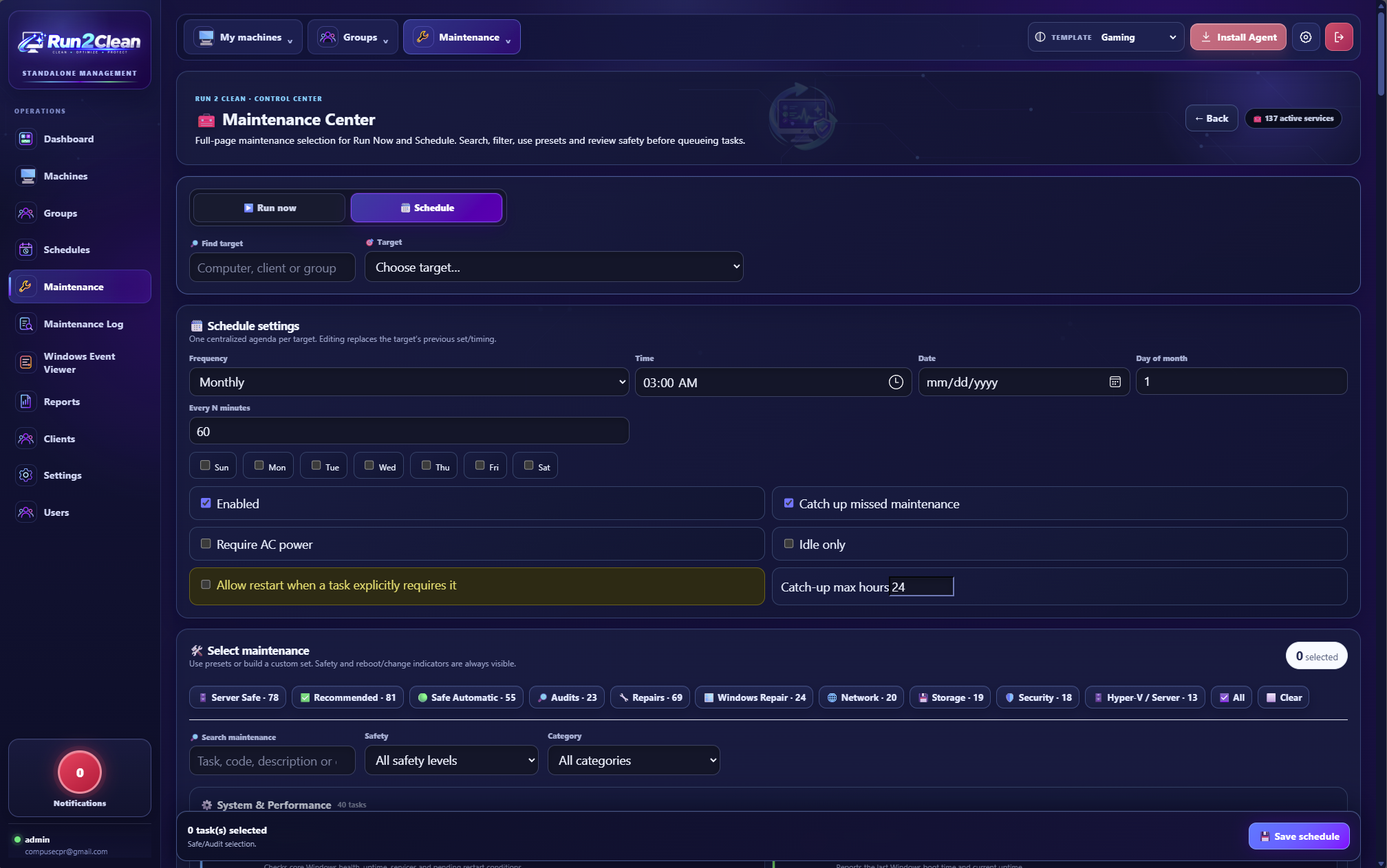
Assign machines to clients and groups, monitor their state, then run maintenance immediately or create schedules that target the systems you choose.
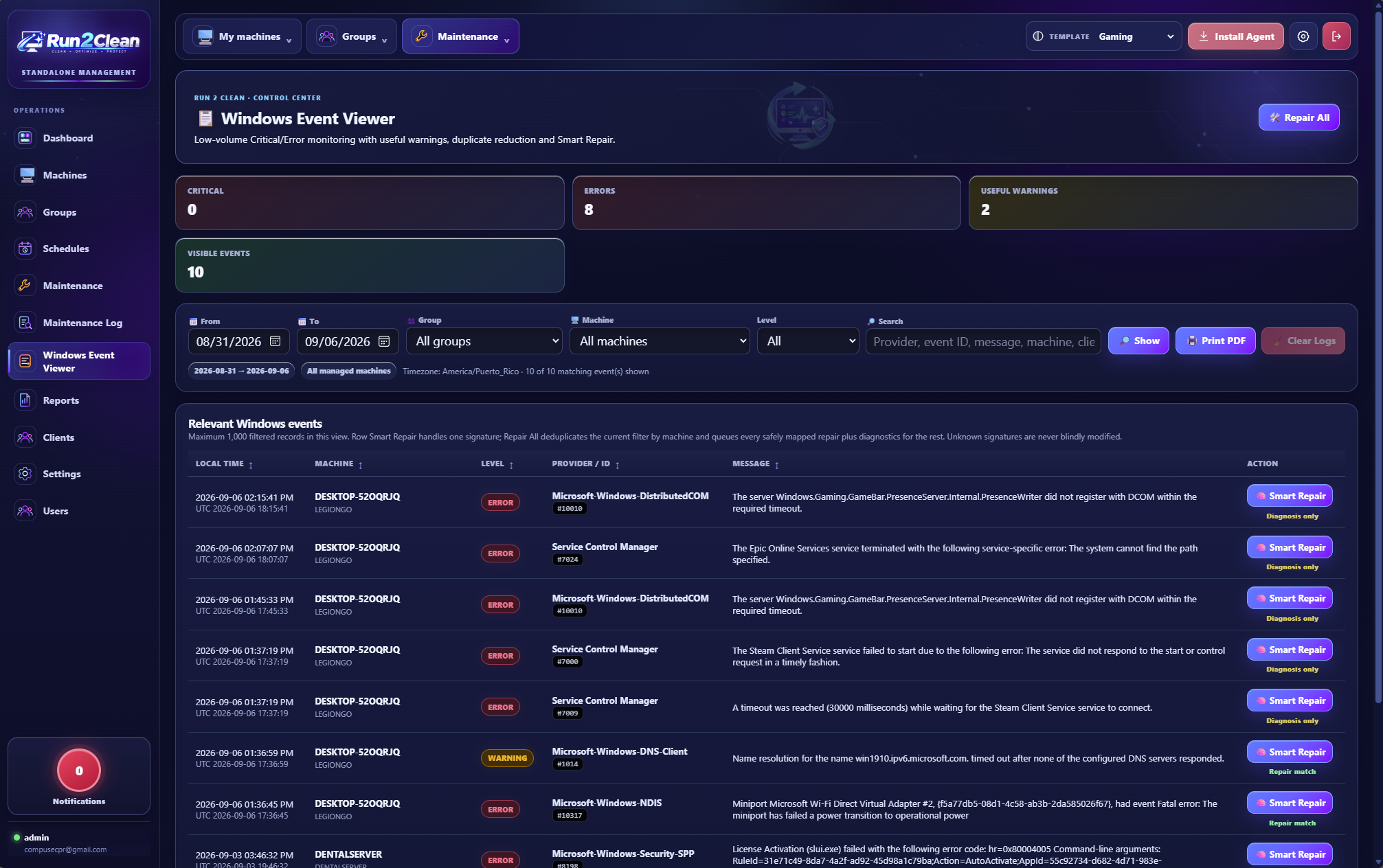
Run 2 Clean can collect useful Event Viewer records, reduce duplicate noise and match known signatures to registered diagnostics or repair workflows. Unknown, hardware, licensing or otherwise unsafe cases remain diagnostic/review-only unless a deterministic repair exists.
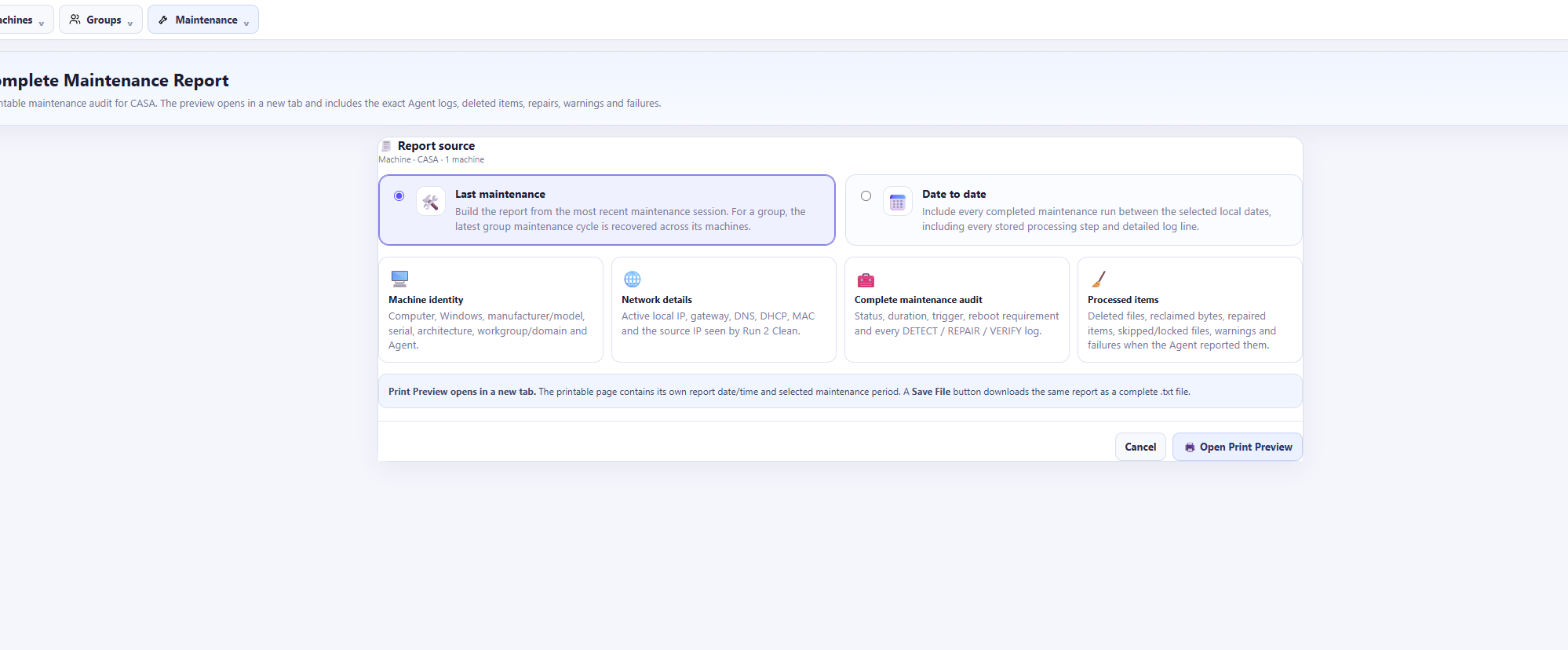
Use maintenance history and report builders to review task status, duration, warnings, errors, repairs, audits, changes, hardware failures and the Windows information associated with each machine.
Run 2 Clean uses a registered command catalog recognized by the portal and Agent. It does not expose arbitrary CMD, arbitrary PowerShell, free-form scripts or arbitrary executable paths as maintenance commands.
Maintenance requests must match functions already defined by Run 2 Clean.
Tasks are separated by impact so disruptive work can be reserved for a maintenance window or manual approval.
Supported Windows Server systems use server-aware logic instead of blindly running workstation-only operations.
Maintenance runs and Agent results remain visible for review and reporting after execution.
Open Run 2 Clean and manage monitoring, maintenance, schedules, optimization and reporting from one place.